
I spotted a post in my LinkedIn morning scroll from Austin Null — and it stopped me in my tracks because it had two names at the top instead of one.
So I commented: is that what I think it is? He said it was
Then Mya Shell, who I'd done a collab-style post for brand partnership the week before (ironically!), tagged me on LinkedIn's own announcement: Collaborative Posts are coming.
The short version: soon, two or more people, plus LinkedIn Pages (!), can share one post together, with every collaborator listed at the top. It's in beta with creators and brands now (I guess I missed my invite in the mail) and will roll out over the coming months.
As someone who has been using collab posts on Instagram forever and will get a lot of use out of this feature on LinkedIn, I figured I'd write up everything we know so far.
If you've used Instagram's collab posts, you know the shape. On LinkedIn, where your name next to a brand carries professional weight, the stakes are even higher.
Here's what they are, how they'll work, and why they matter most for the creator–brand relationship.
What is a LinkedIn Collaborative Post?
A LinkedIn Collaborative Post lets two or more accounts (people and pages) publish the same post together. Every collaborator's name sits at the top, and the post lands in all of their networks at once, not just the original author's.
Quick note: this isn't the same as LinkedIn's Collaborative Articles, the AI-prompted explainers you get invited to "add your perspective" to. Collaborative posts are about co-authoring one post with people you’re connected with.
This is also a step above tagging/mentioning. All participants get equal credit, and the post will appear in all their followers' feeds, giving the post way more mileage.
How LinkedIn Collaborative Posts work
LinkedIn has confirmed the basics in a help article. The setup is an invite-and-accept flow, much like Instagram. One account creates the post and invites collaborators, which can be personal profiles or pages. Until an invited account accepts, no one sees them listed on the post. Once they accept, every collaborator's name appears at the top, and the post shows up across all their networks.
Collaborating as a page works a little differently: a super admin has to be in the loop. They can allow members and other pages to collaborate with the page, and they get notified of invitations as long as collaboration notifications are switched on (Me → Settings → Notifications → Collaborations).
How to create a collab post on LinkedIn
Start a post as you normally would and look in the top bar for the option to add a collaborator. You can add up to 5 per post.
From your profile, go to Me → Settings → Notifications → Collaborations. If you run a page, make sure a super admin does this too, because a Page can't appear as a collaborator until someone accepts on its behalf.
A few things worth lining up before then:
- Know who you'd co-author with. Make a short list of the creators, brands, or Pages whose name you'd actually want next to yours.
- Tidy the front door. A collab post sends new people to your profile, so check that your headline, banner, and recent posts say what you want them to.
- Have a post worth sharing. The feature adds reach; it doesn't make the content good. Save your stronger ideas for the partnerships that matter.
💡You can plan and schedule your LinkedIn content in Buffer. Get started here →
Why this matters most for creators and brands
Collab posts are a credibility trade, and the value runs in both directions.
When a creator co-authors with a brand's page, each side gives the other something it can't easily buy on its own. The creator brings their voice and an audience that actually engages, instead of a logo posting into the void. The brand brings a co-sign: its name at the top of your post, next to yours, in front of everyone who sees it.
People underrate that second part. A tag is easy to ignore. Shared authorship reads as an endorsement, and on LinkedIn, that endorsement is professional currency. If you're early or mid-career, an established brand publicly attaching its name to your work can be worth even more than the extra impressions.
It also changes the dynamic. This isn't a brand 'renting' a creator's audience for a day, as they would in a regular sponsored post. Both names are at the top, so both audiences and both reputations are in it together.
The timing tracks, too. LinkedIn launched its first Creator Marketplace in June, built to connect brands with creators directly. Collaborative posts are part of what that connection looks like in the feed.
6 ways creators and brands can use LinkedIn collab posts
Most of these tips mirror what already works on Instagram, adjusted for how people show up on LinkedIn.
- Brand partnerships. This is the obvious one. A creator and a brand page co-author a single post, so the partnership reaches both audiences and reads as a real collaboration instead of a paid mention.
- Co-marketing with a peer. Two creators, or t
Recommended Story For You :
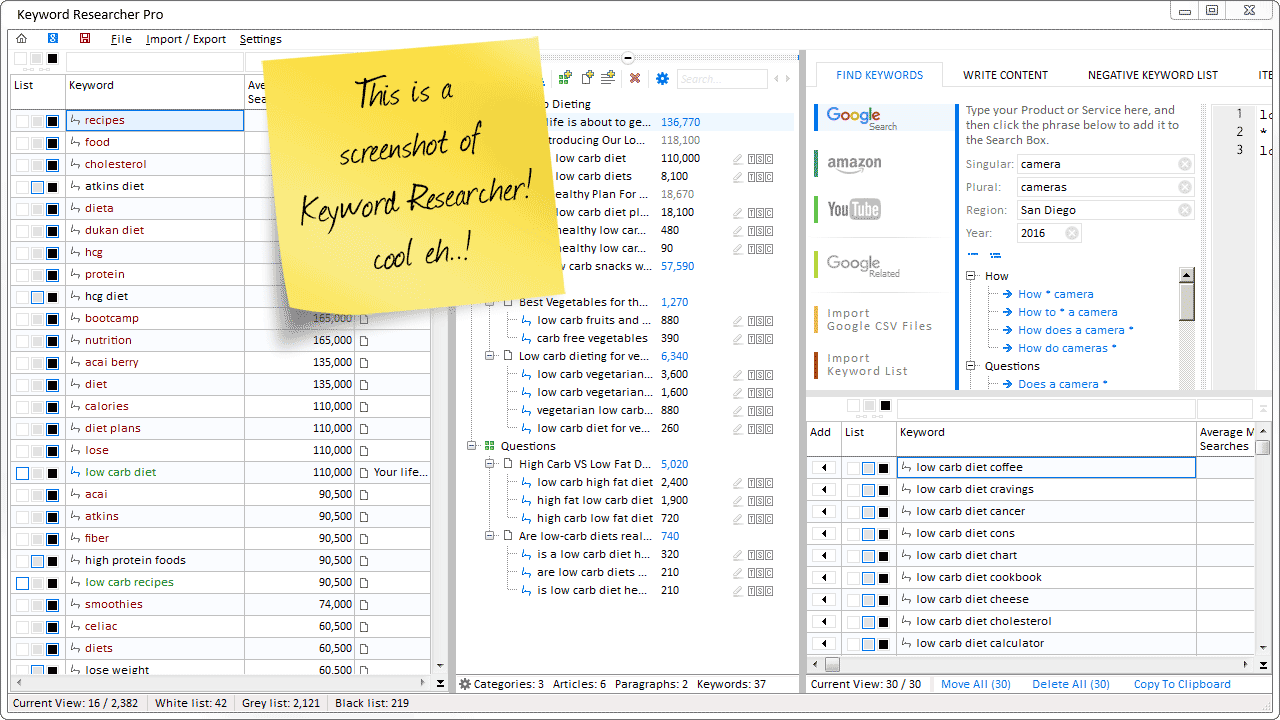
Organize Keywords and Import CSV Files from the Google Keyword Planner
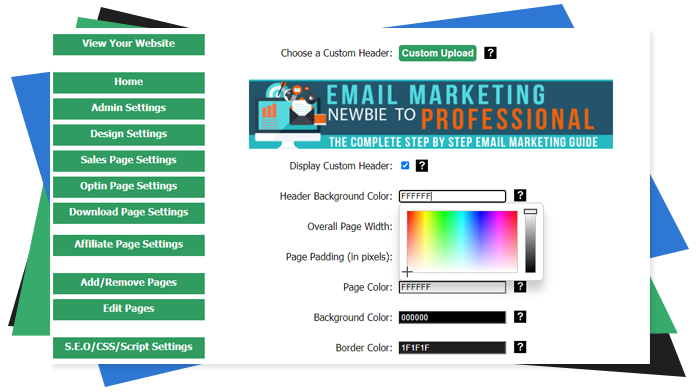
The Most Affordable And Easiest User Friendly Page Builder You Will Ever Use!

Instant WordPress Theme That Matches Your Website
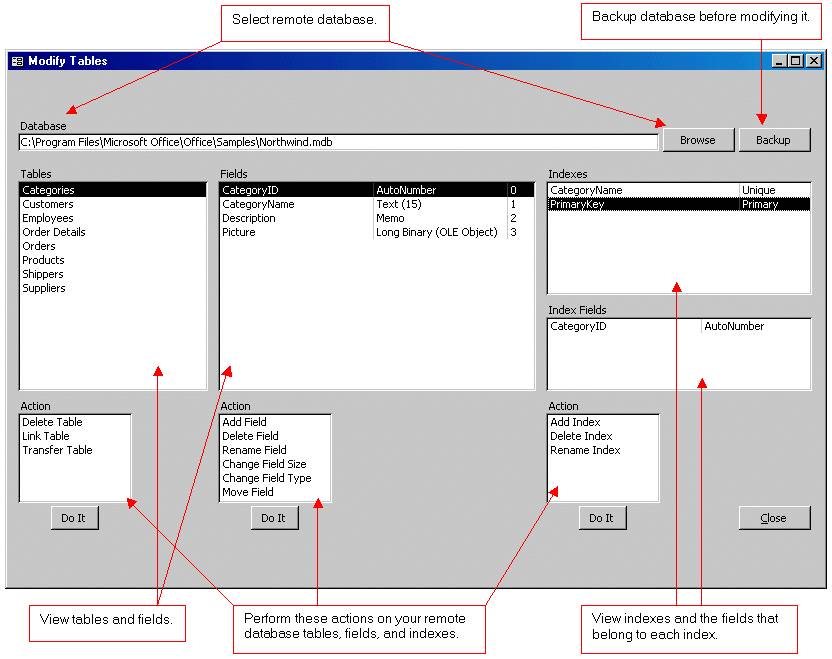
Wizard to Manage Remote Backend MS Access Database Tables Fields and Indexes
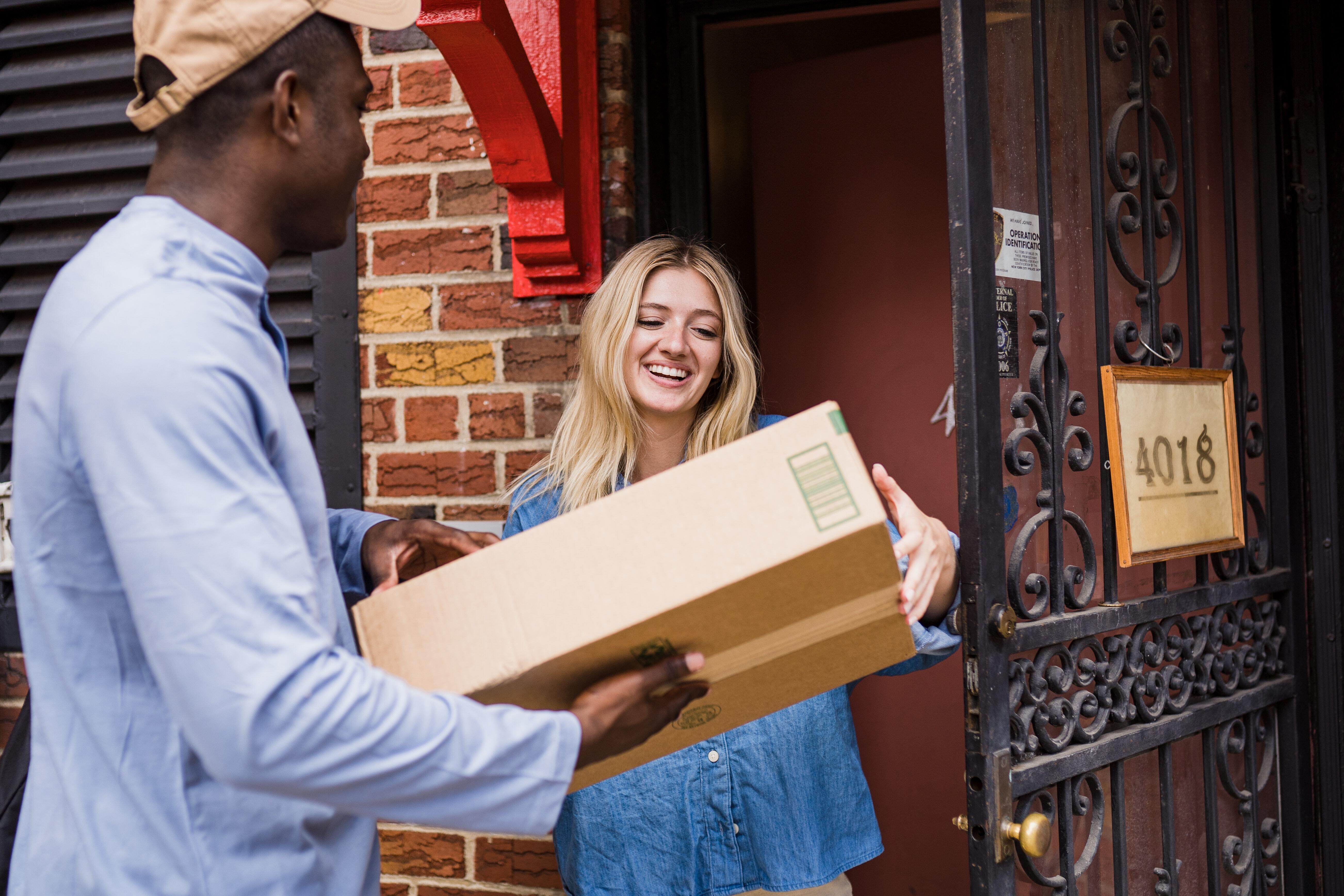
If you had an aisle-by-aisle grocery list wouldn't you spend less money on impulse items?
everything you need to create a professional corporate look mini-site is there.